
EN
Online scams are not a fringe problem anymore. According to the Global Anti-Scam Alliance, 75% of adults in Europe encountered a scam in the past year, and an estimated €50 billion was lost to fraud across the continent in the same period. Yet only 3% of incidents were ever reported to authorities.
The threat has moved well beyond suspicious emails from foreign princes. Today, scammers build convincing fake online stores, send phishing links through text messages and social media, and clone legitimate websites down to the logo. The result: consumers who think they are buying a pair of sneakers or booking a holiday end up handing their payment details directly to fraudsters.
The good news: you do not need to be a cybersecurity expert to protect yourself. You just need to check before you click.
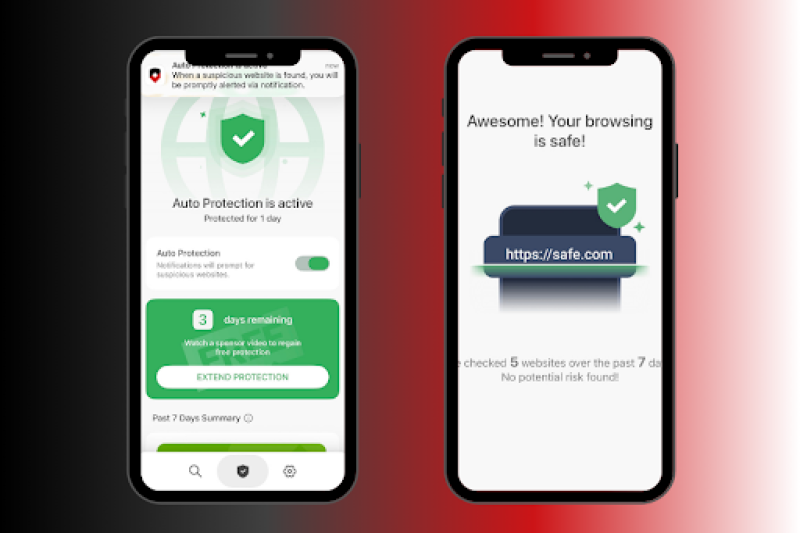
That is exactly what ScamAdviser's Site Shield is built for. Available as part of the ScamAdviser app, Site Shield lets you verify any website, link, or online store in seconds before you trust it with your money or personal data. Here is how it works, and why it matters more in 2026 than ever before.
The scale of the problem is hard to overstate. Scammers are no longer running crude, easy-to-spot operations. They are using artificial intelligence to craft personalized phishing messages, deepfake technology to impersonate trusted brands, and professional-grade website builders to create fake stores that look indistinguishable from legitimate retailers.
Consider the numbers:
Many consumers still rely on the padlock icon or "https://" in the browser bar as a sign of safety. That instinct is now dangerously outdated. Scammers routinely obtain SSL certificates for their fake sites, meaning a padlock means nothing more than that the connection is encrypted. It says nothing about whether the website itself is legitimate.
Similarly, a polished design, a professional logo, and glowing reviews can all be fabricated. AI tools make it faster and cheaper than ever to clone a real website or generate fake testimonials. The visual cues consumers once trusted have been weaponized against them.
What actually reveals a scam site:
The problem is that checking these signals manually takes time and expertise most consumers simply do not have.
Site Shield is ScamAdviser's real-time website and link protection feature, available inside the ScamAdviser app. It is designed for one purpose: giving everyday consumers an instant, reliable answer to the question "can I trust this?"
It does not require any technical knowledge. You paste a link, type a URL, or scan directly from a message, and Site Shield tells you whether the site is safe to visit or a known risk.
It does not require any technical knowledge. You paste a link, type a URL, or scan directly from a message, and Site Shield tells you whether the site is safe to visit or a known risk.
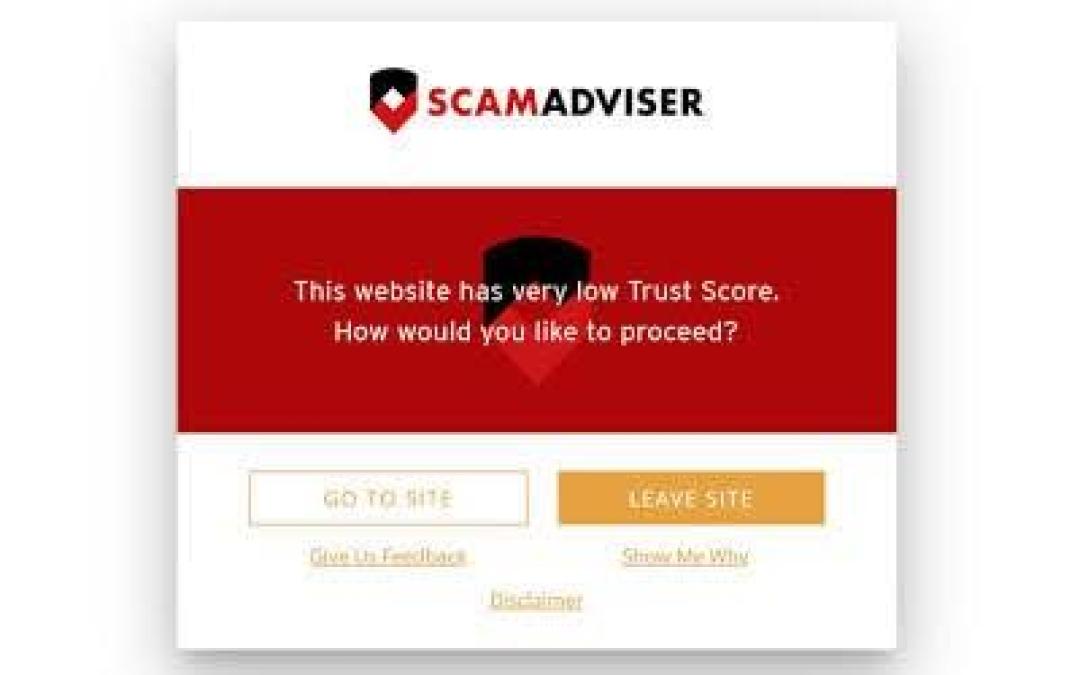
Before you enter your payment details on an unfamiliar online store, Site Shield analyzes the website against ScamAdviser's database, which scans over 1 million new websites every month. The check covers more than 40 data signals, including:
The result is a trust score that tells you, in plain language, whether a site is likely safe, suspicious, or dangerous.
Fake online stores are the fastest-growing scam category in Europe. They typically appear through social media ads, sponsored search results, or links in promotional emails, and they are specifically designed to capture payment details at checkout.
Site Shield catches them before you get that far. Run the store's URL through Site Shield before you add anything to your cart. If the store is a known fraud operation or shows multiple risk signals, you will know before you spend a cent.
This is where Site Shield earns its keep for most users. A link arrives in a WhatsApp message, a text from an unknown number, or a promotional email. It looks legitimate. Maybe it claims to be from a delivery company, a bank, or a retailer you recognize.
With Site Shield, you do not have to guess. Copy the link and run it through the app before tapping. The scan checks the destination URL against ScamAdviser's live threat database and flags anything suspicious before you land on a dangerous page.
This matters because phishing is no longer just an email problem. Vishing (voice phishing) attacks surged 449% in 2025 according to KnowBe4, and SMS-based phishing is now one of the primary delivery vectors for financial fraud. The link in that text message is now statistically more likely to be a scam than it was two years ago.
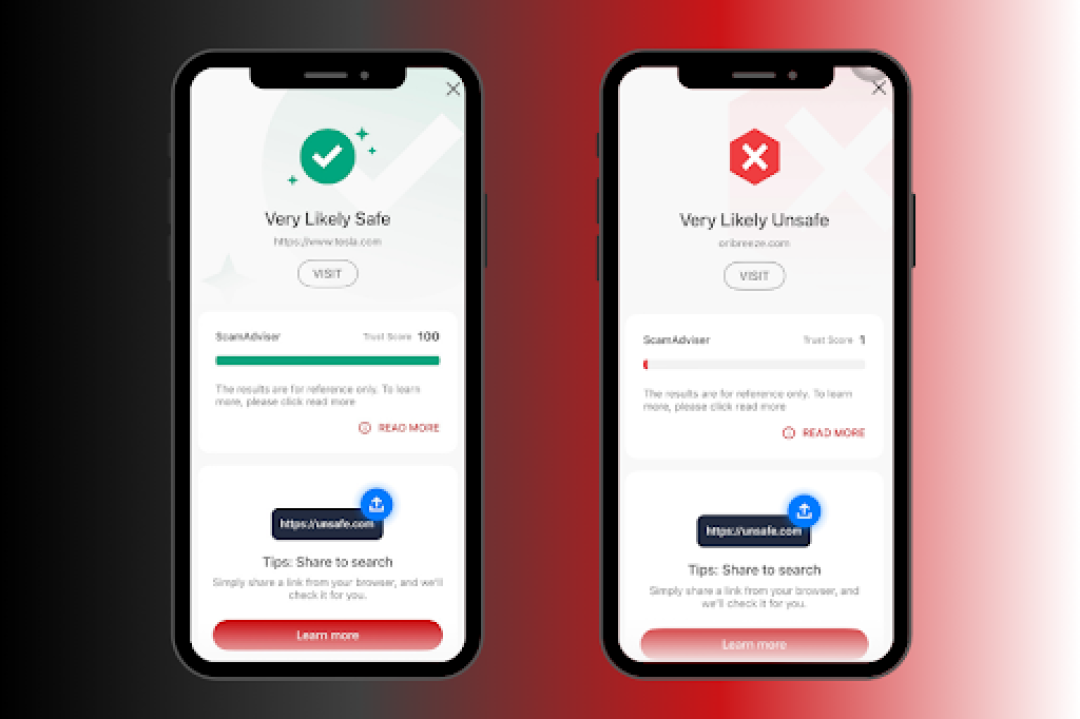
The ScamAdviser app brings Site Shield and Call Shield together in a single, straightforward interface. No configuration required. Open the app, paste a link or enter a website address, and get an instant trust assessment backed by ScamAdviser's global scam database.
The app is available on both Android (Google Play) and iOS (App Store), and the database is updated daily to keep pace with new threats.
Site Shield handles the web. Call Shield handles your phone. Together, they cover the two most common entry points scammers use to reach consumers.
While Site Shield protects you from dangerous websites and links, Call Shield addresses the growing epidemic of scam calls, spam calls, and robocalls. Vishing, where scammers call and impersonate banks, government agencies, or delivery companies, is now one of the fastest-growing fraud tactics in Europe.
Call Shield gives you:
The combination matters. A scammer who cannot reach you by phone will try a phishing link. A scammer whose fake website gets flagged by Site Shield will try a phone call instead. Using both features closes the loop on the two most common attack vectors.
The single most effective thing you can do to avoid online scams in 2026 is also the simplest: pause before you trust. Before you enter payment details on an unfamiliar website, check it. Before you tap a link in a text message, check it. Before you call back an unknown number, check it.
That pause used to require technical knowledge. Now it takes seconds.
The rule is straightforward: if you did not seek out the website yourself, verify it before you engage with it. A link from a text, an ad on social media, or a promotional email is always worth a quick check.
ScamAdviser's Site Shield makes that check instant and accessible to anyone. No security background required. No complicated settings. Just open the app, scan the link or URL, and get a clear answer before you risk your money or your data.
With scam attacks rising 109% in a single year and 75% of Europeans already targeted, the question is not whether you will encounter a scam. It is whether you will be ready when you do.
Download the ScamAdviser app and turn "check before you click" from advice into a reflex.
Adam Collins is a cybersecurity researcher at ScamAdviser who operates under a pseudonym for privacy and security. With over four years on the digital frontlines, he specialises in translating complex threats into actionable advice. His mission: exposing red flags so you can navigate the web with confidence.
